- Dive Club
- Posts
- 🤿 becoming a builder in 2026
🤿 becoming a builder in 2026
the designer's toolkit for Claude Code + my Figma Make workflow

Ridd
January 07, 2026

My goal for 2026 is to fully transition into a builder (dare I say design engineer) using AI.
But I’m not going to lie… it’s hard to keep up with all of the products and tactics that are popping up every day.
That’s where Kyle Zantos comes in.
He’s leading the new UX Tools Labs where he's responsible for figuring out what matters for new design tools and workflows.
As a result, he's pretty quickly become a go-to resource on my AI journey.
So today’s conversation is a deep dive into specific tactics you can use on your own design engineering journey.
I’m 100% stealing his idea of creating a custom “skill” that captures the techniques and philosophies of his favorite design engineers on Twitter 👇
🤝 WITH LOVABLE
Another week another huge Lovable release 👀
They now have connectors with products like Perplexity, ElevenLabs, Firecrawl and even Miro.

So you can build apps that pull live data from anywhere on the web or maybe even talk to you. It’s as simple as writing a prompt like “Read this page out loud when users tap play.”
Connectors blow the roof off of what you can create with natural language and you can start today just click the link to get started 👇

🔗 FEATURED RESOURCE
The biggest debate in design right now
In the first few minutes of today’s episode, we look at the latest Cursor updates which sparked a few days worth of debate mostly between Ryo Lu (Head of Design at Cursor) and Karri Saarinen (CEO of Linear).
My takeaway is that both people are right and it completely depends on what I’m designing.
When I’m designing a new feature from scratch I almost always make a mess in Figma first.
However when I’m iterating on something that already exists, I almost always skip Figma and jump right into Claude Code.
That being said, I wanted to share this video from Tommy Geoco because I think it’s a thoughtful synopsis of what this all means for designers 👇
🔗 FEATURED RESOURCE
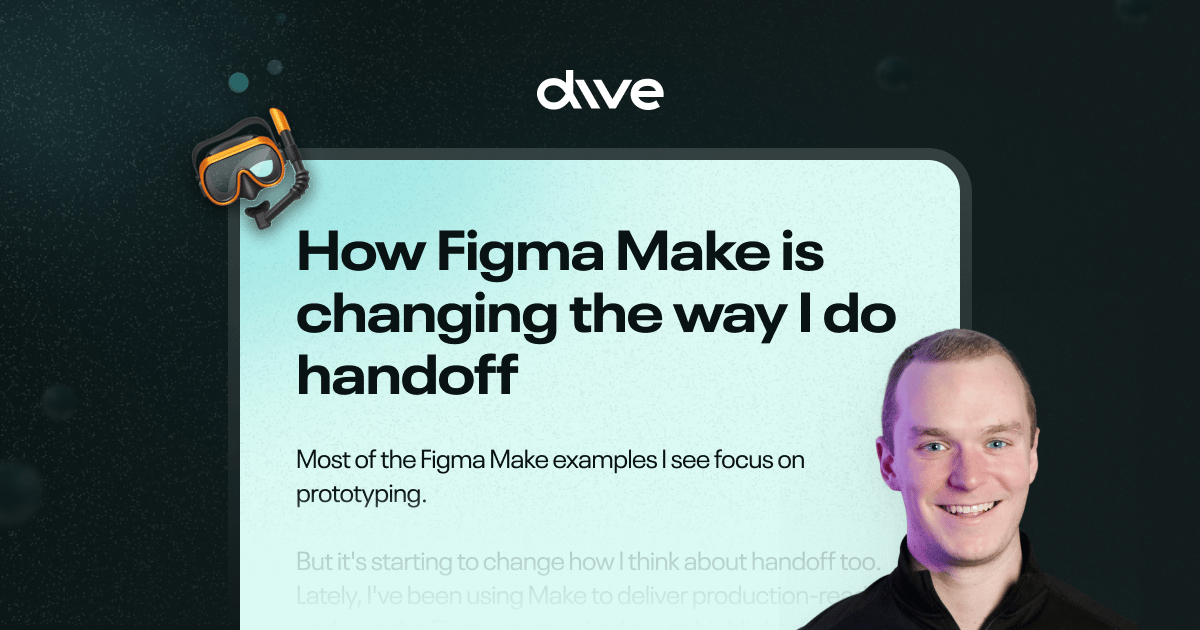
Figma Make is changing how I do handoff
Most of the Figma Make examples I see focus on prototyping. But it's starting to change how I think about handoff too.
So I wrote an article to shine a light on some of the (atypical) ways I’ve been using the tool 👇
🔗 FEATURED RESOURCE
The deck Paul used to get hired at Linear
Paul Macgregor recently shared the deck he used to land a role at Linear and I really enjoyed paging through it.
One thing that stands out to me is the lack of text and the sheer amount of UI 👀
Thought you might enjoy checking it out too :)

🧃 INSPIRATION JUICE
3 things I saved this week
1️⃣ Rive education cards
I’ve been incorporating Rive into Inflight a lot more lately and fell in love with the education cards in their dashboard.

2️⃣ Sky’s Preferences Notepad
I thought we were going to get a Sky interview but OpenAI acquired them before we could film 😅
I still wanted to share this screenshot though because I love their little notepad UI. It’s a simple way to visualize memory and communicate preferences to the model.

3️⃣ Cutaway header nav
This is kind of a fun approach to a website header. I like how the matching CTA bar slides in from the bottom on scroll ✌️

How much did you enjoy this issue?Never hesitate to reply with feedback too :) |
Meet the Dive partners
I made a list of my favorite products and asked them to come on as sponsors of the newsletter/podcast. They said yes 🥹
The #1 way to support Dive Club is to check them out👇
Framer → How I build my websites
Genway → How I do research
Granola → How I take notes during CRIT
Jitter → How I animate my designs
Lovable → How I build my ideas in code
Mobbin → How I find design inspiration
Paper → How I design like a creative
Raycast → How I stay in flow while I work
Thanks for reading! I'm working hard to bring you the best design resources on the planet 🫶
If you want to go even deeper you can always:
 |
|
P.S. if you were forwarded this email you can subscribe here
